
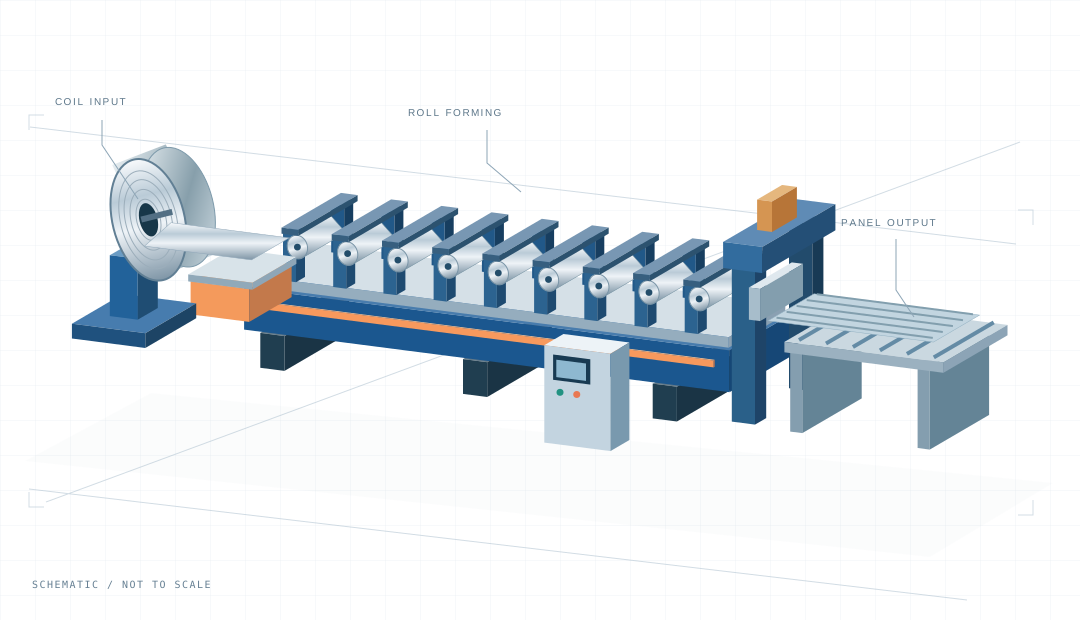
Corrugated Roof Sheet Machine
A dedicated line for a repeating curved roofing profile. Define the wave geometry before comparing machine configurations.
- Profile
- Corrugated roofing sheet
- Approach
- Dedicated profile tooling
PROFILE-LED EQUIPMENT PLANNING
Start with your profile.
Explore machine configurations by the finished part you need to produce. Bring drawings, materials and production requirements together before requesting a quotation.
Know the finished part, not the machine? Start here
01 / EXPLORE THE MACHINERY
Start with these roofing configurations, then explore all machine families. Use the finished shape—not just the equipment name—to guide the next step.
Browse all machine familiesA dedicated line for a repeating curved roofing profile. Define the wave geometry before comparing machine configurations.
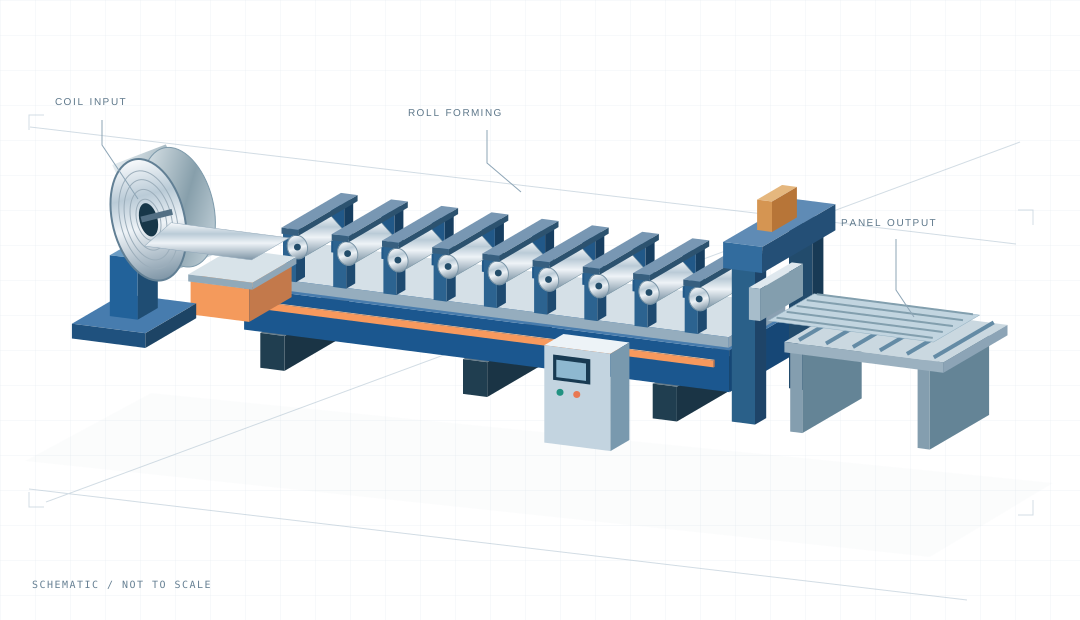
A production line for angular-rib roofing profiles. Compare rib geometry, panel edges and your intended production requirements.
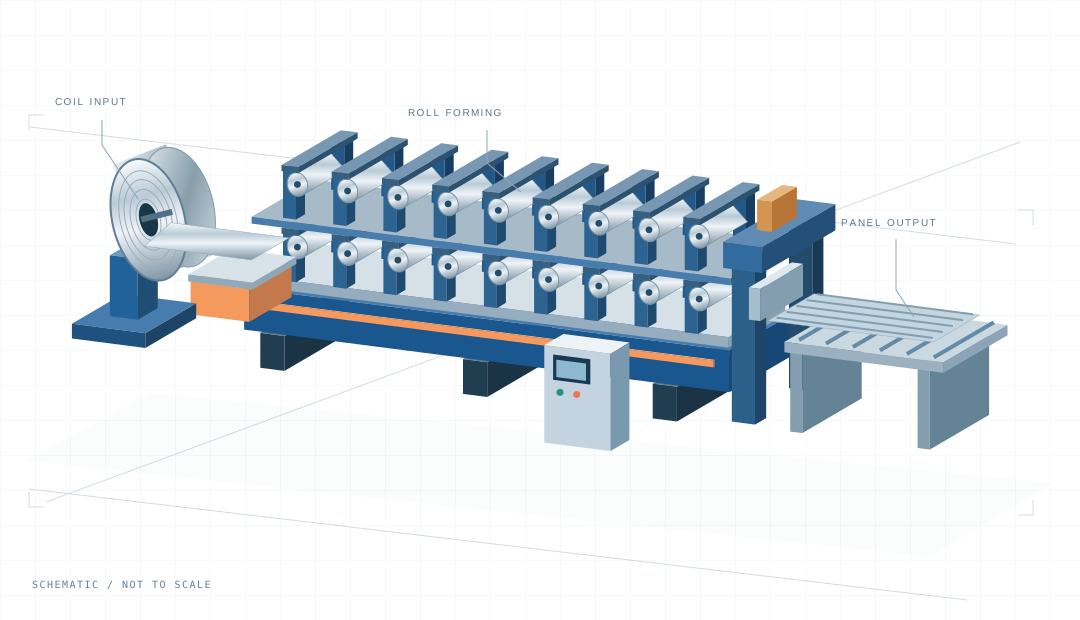
A configuration for two planned roofing profiles. Review changeover, shared equipment and operating sequence together.
20 MACHINE FAMILIES / FIND YOUR CATEGORY
Start with the profile you need to make. Browse roofing, framing, cable management and other equipment families, then compare the machines and production requirements within each category.
View the complete machine directory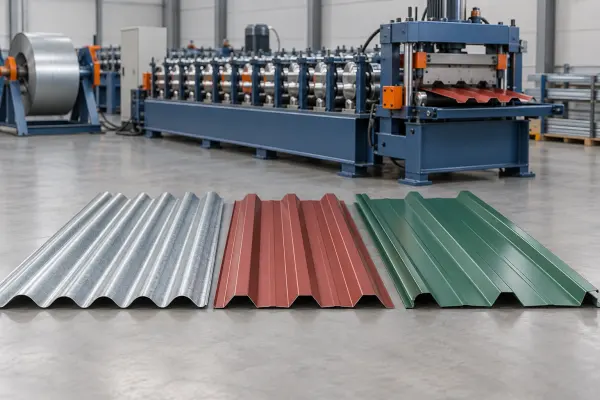 01 / MACHINE FAMILYRoof & wall panels
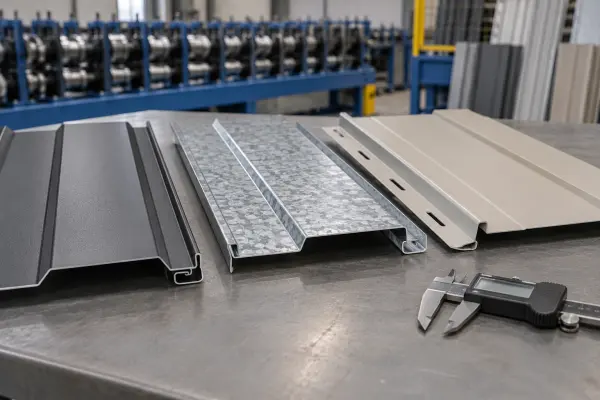 02 / MACHINE FAMILYArchitectural cladding
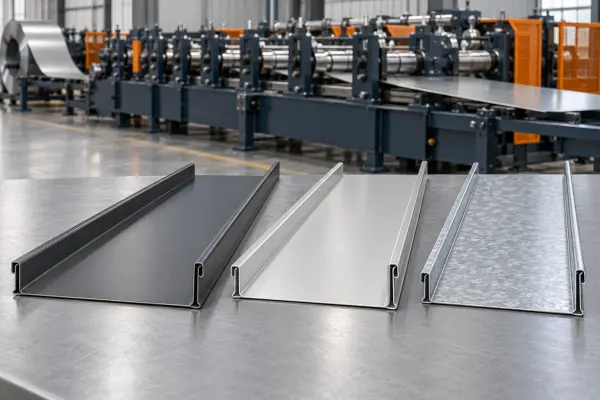 03 / MACHINE FAMILYStanding seam roofing
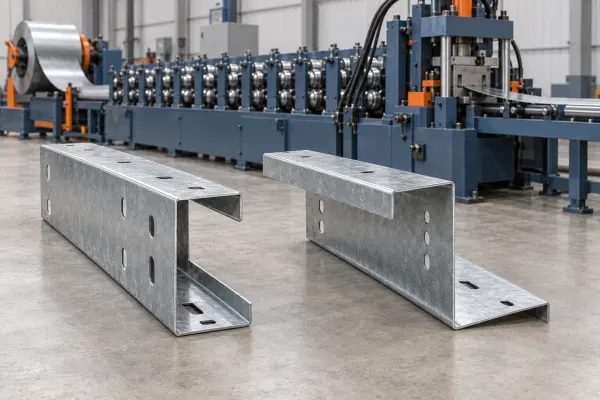 04 / MACHINE FAMILYPurlins & structural channels
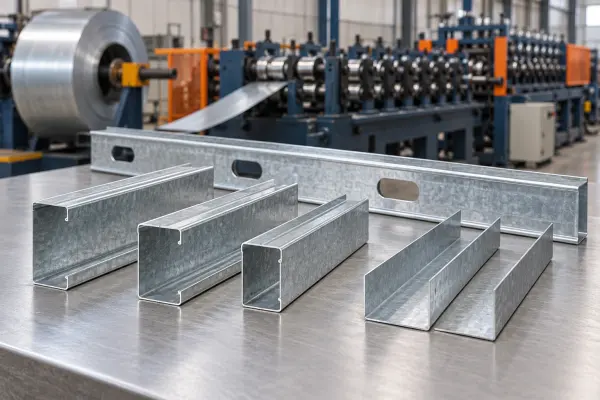 05 / MACHINE FAMILYStud, track & steel framing
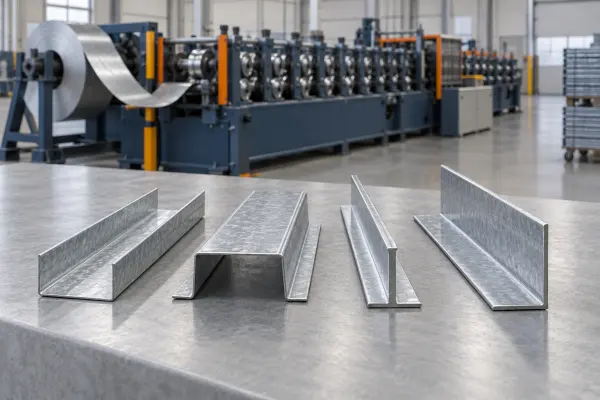 06 / MACHINE FAMILYCeiling & furring systems
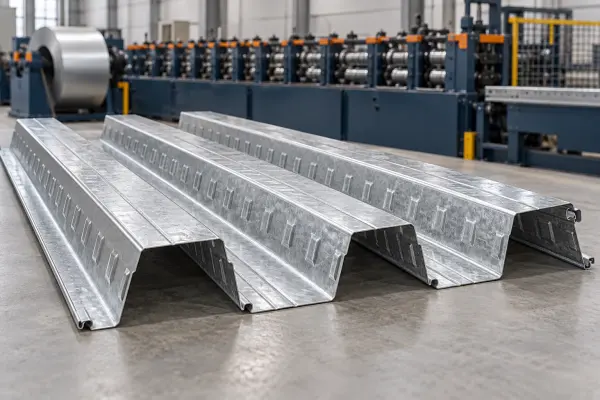 07 / MACHINE FAMILYMetal decking
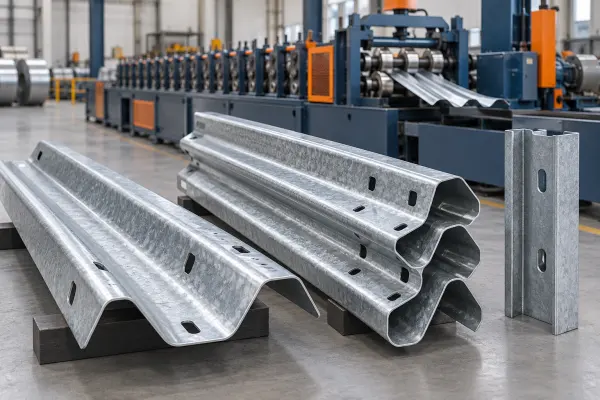 08 / MACHINE FAMILYRoad barrier profiles
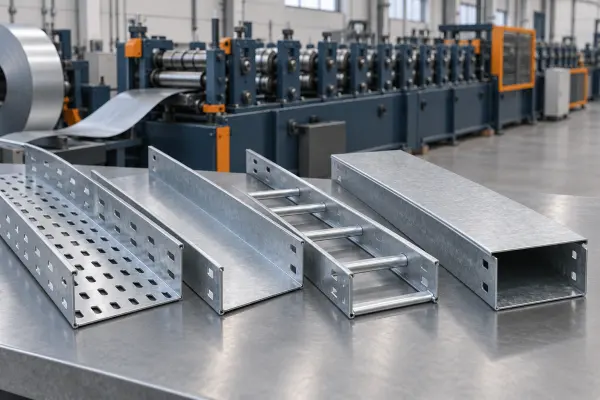 09 / MACHINE FAMILYCable management
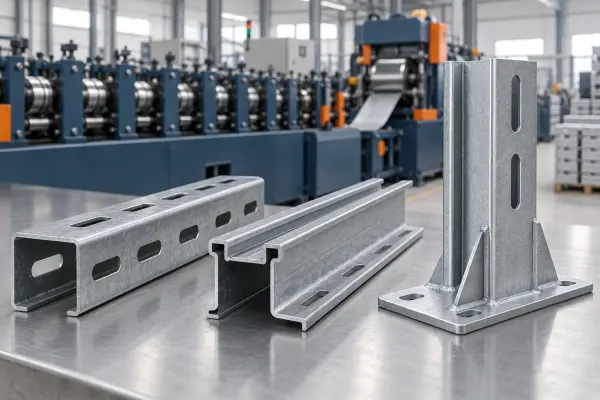 10 / MACHINE FAMILYSolar mounting
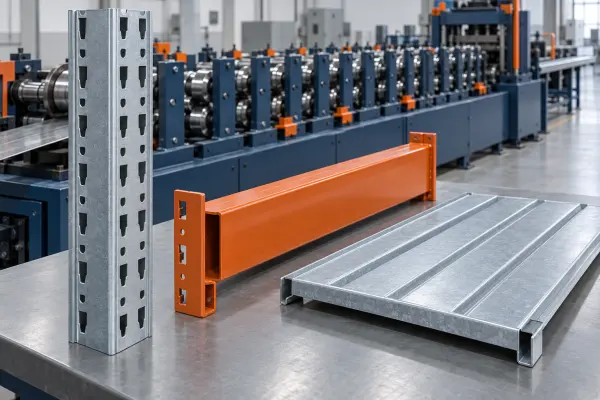 11 / MACHINE FAMILYStorage & racking
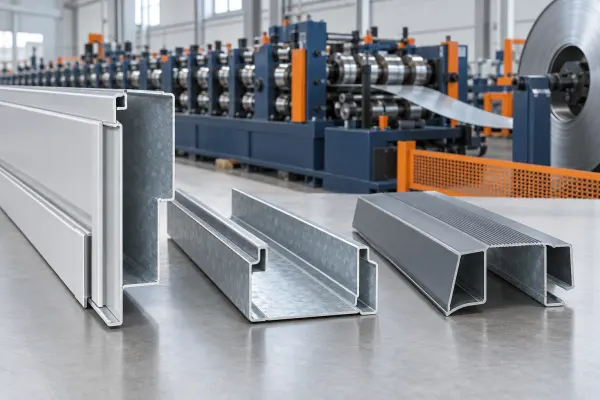 12 / MACHINE FAMILYDoors & windows
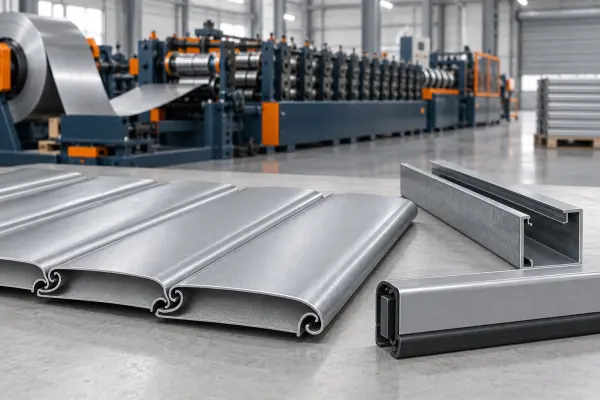 13 / MACHINE FAMILYShutters & sectional doors
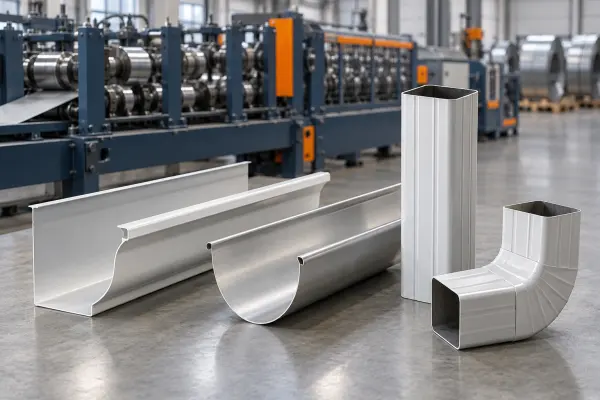 14 / MACHINE FAMILYRainwater goods
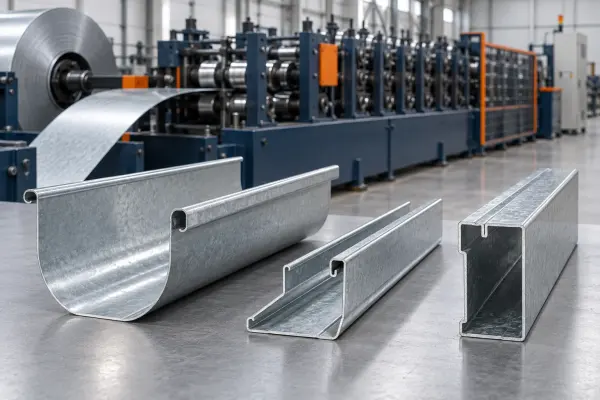 15 / MACHINE FAMILYGreenhouse systems
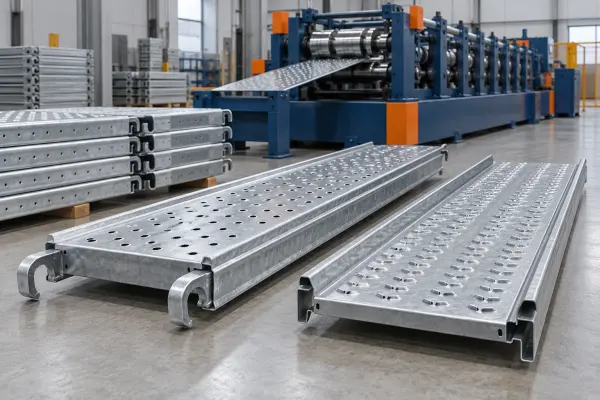 16 / MACHINE FAMILYScaffold components
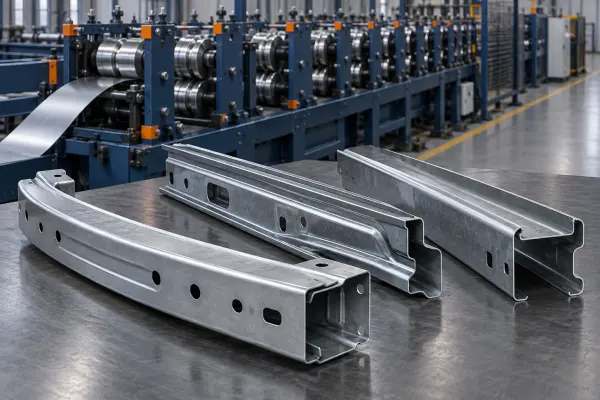 17 / MACHINE FAMILYAutomotive profiles
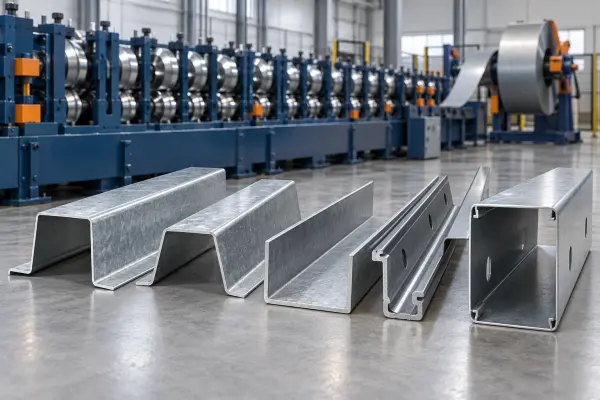 18 / MACHINE FAMILYCustom industrial profiles
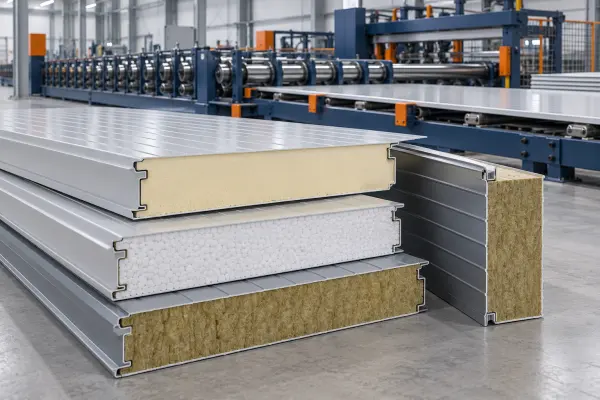 19 / MACHINE FAMILYInsulated panel lines
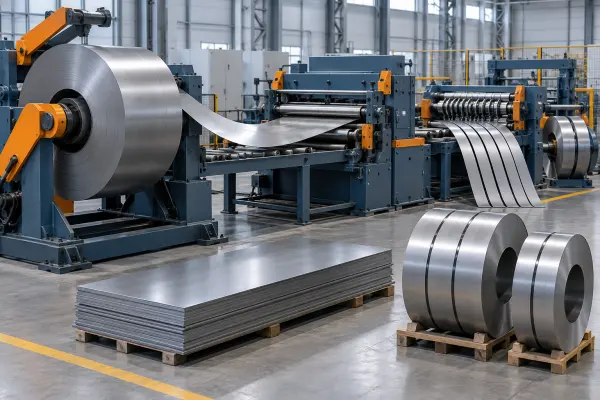 20 / MACHINE FAMILYCoil processing
02 / FIND YOUR APPLICATION
Explore the part family first. Each application connects a finished profile to the questions behind a useful equipment brief.
View all applications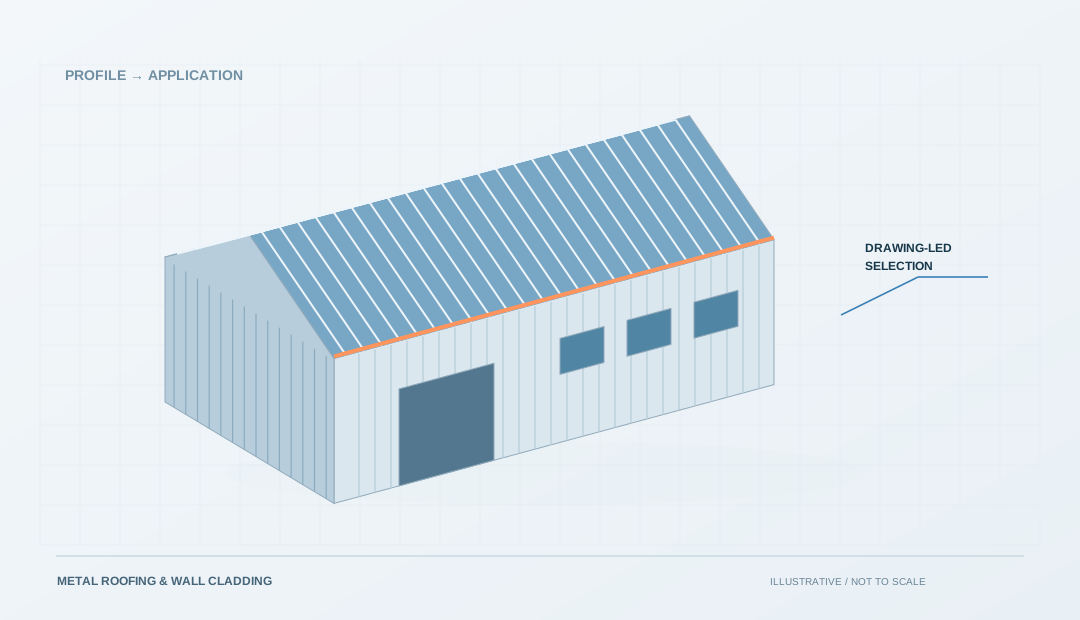 APPLICATION / 01
 APPLICATION / 02
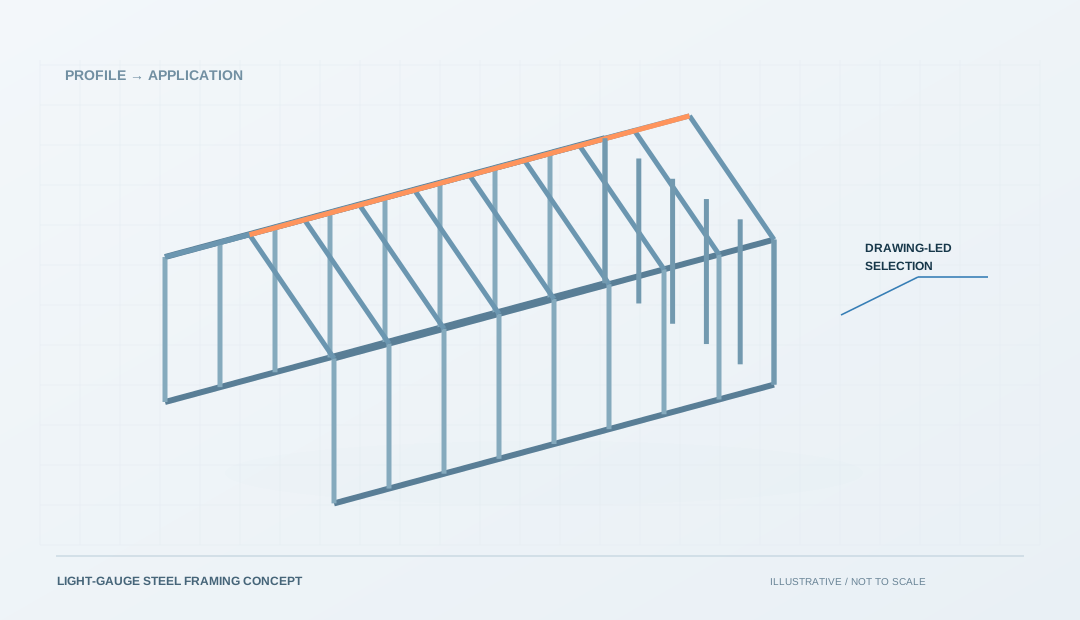
Member schedules, connection features and drawing revisions.
Explore application APPLICATION / 03
 APPLICATION / 04
 APPLICATION / 05
 APPLICATION / 06
THE CONFIGURATION APPROACH
A useful equipment discussion connects the part drawing to its material, the operations it needs and the output you expect. Keep these requirements together when comparing proposals.
Include the cross-section, critical interfaces and a drawing revision.
Record the grade, coating, thickness and coil information you know.
List forming, cutting and any handling or downstream operations in scope.
Conceptual workflow only. Operations and equipment must be verified for the actual profile and project.
FROM COIL TO FINISHED PROFILE
Follow the material through the line and look at how forming, cutting and handling work together. Compare what you see with your own profile, material and production requirements.
Explore the machine families03 / TECHNICAL GUIDES
Practical reading for drawings, supplier discussions and equipment selection.
Explore technical guides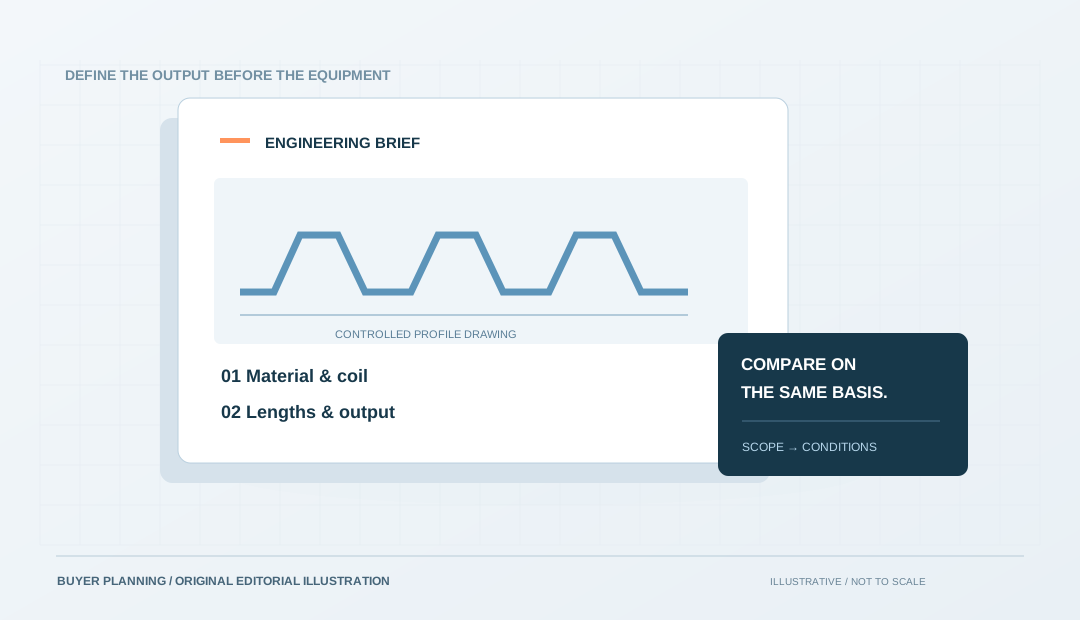
Machine selection
A practical way to turn a panel drawing, coil details and production targets into a comparable supplier brief.
Read the guide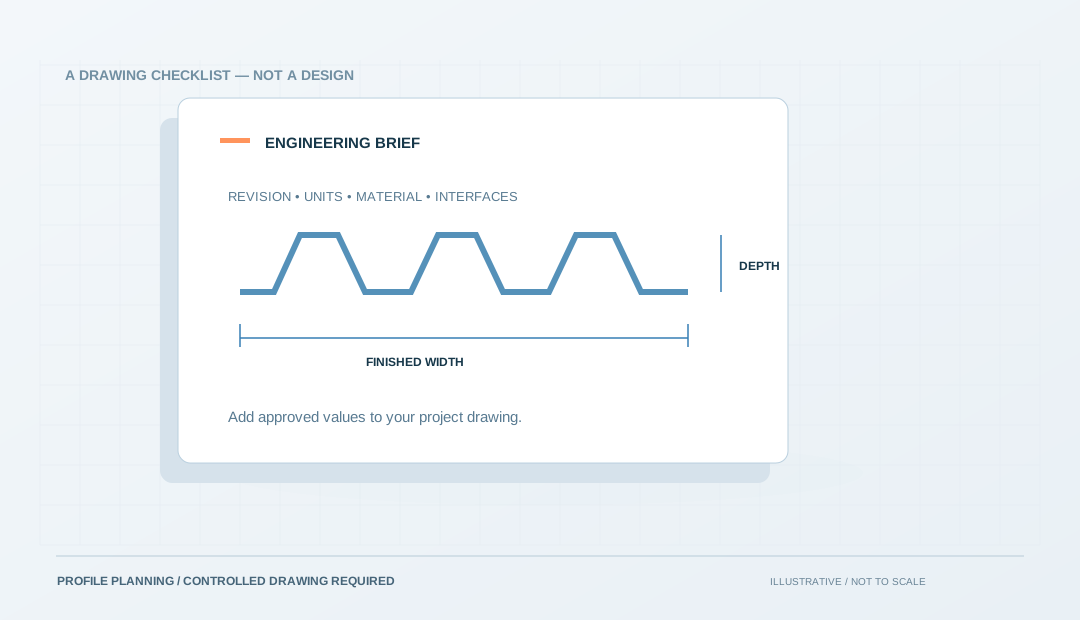
Drawings & planning
Organize the dimensions, interfaces and revision details a supplier needs to discuss your profile.
Read the guide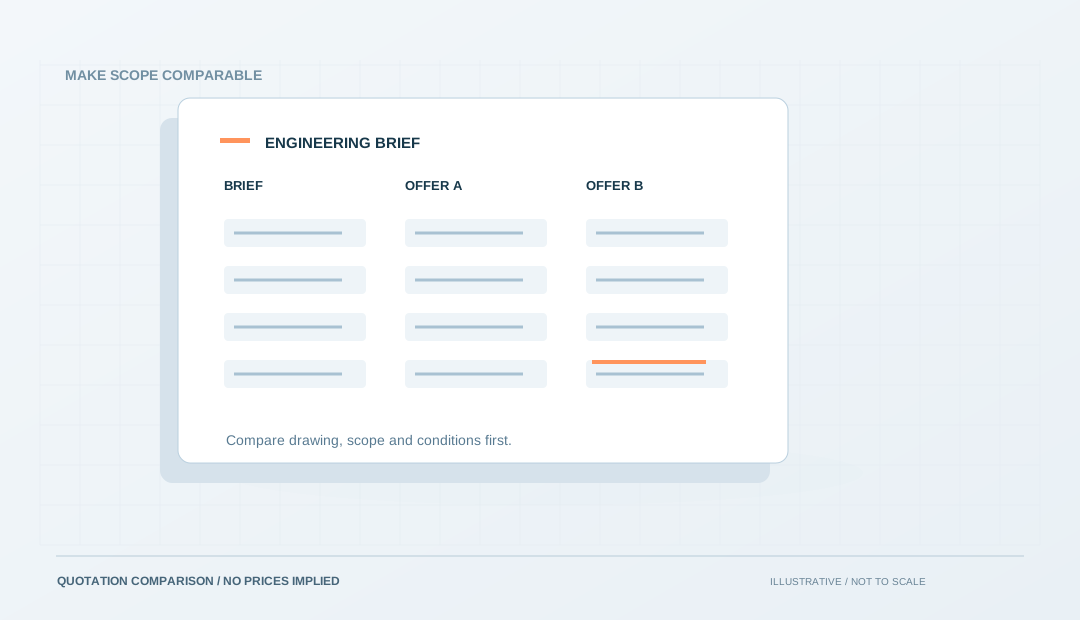
Buying & quotations
Make scope, assumptions and acceptance comparable before you compare the price.
Read the guideFROM BROWSING TO A BRIEF
Choose a finished-part family to start a requirement checklist. This organizes your enquiry—it does not select or approve a machine.
Explore profile and tooling designPREPARE THESE DETAILS
No information is sent. Your existing enquiry text will be kept.
BEFORE YOU ENQUIRE
Keep the finished part, the production requirement and the proposed equipment separate until they have been reviewed together.
Start from the Applications pages. Record the part shape, interfaces and material details, then prepare a drawing or sample description for a supplier to review. A photograph alone may not show all the information needed.
Use the name to narrow your search, not to confirm suitability. Check the drawing, material, required operations and production conditions behind the proposed configuration.
Browse the machine directory for roofing, framing, cable management and other profile families. Check the drawing, material and complete process requirements before matching a configuration to your project.
The form creates a text checklist on your device. Nothing is submitted or stored by the website. You can review the file and share it with a supplier when you are ready.
Make the next step specific
Bring together the information a supplier needs to discuss the right configuration for your project.
Download your requirements as a text file. Your entries stay on your device; nothing is submitted or stored.